
Tracking changes
HERITRACE tracks every change made to your data, maintaining a full history for each entity.
The time machine
Section titled “The time machine”The time machine provides a complete version history for each entity. Every time an entity is created, modified, or deleted, HERITRACE generates a new snapshot.
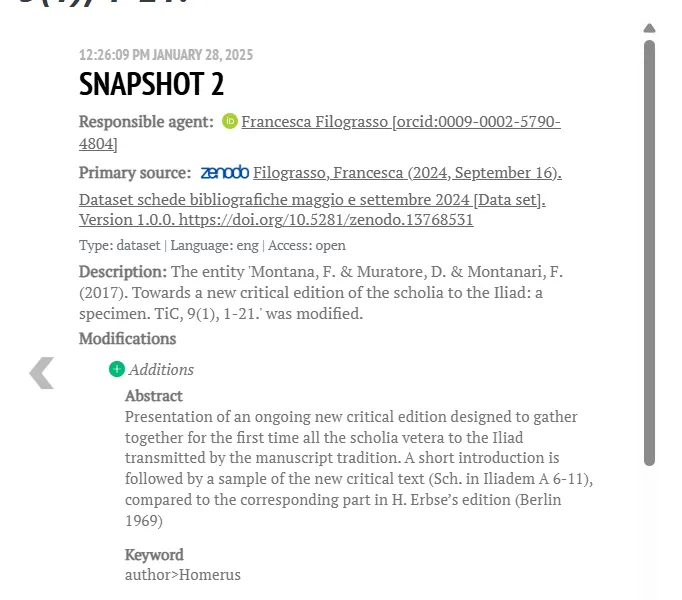
Each snapshot in the timeline contains detailed provenance metadata:
- Timestamp: When the change was made.
- Responsible Agent: Who made the change (logged in via ORCID).
- Primary Source: The data source that informed the change.
- Modifications: A clear list of what was added or removed.
How to view and restore a previous version
Section titled “How to view and restore a previous version”Restoring an older version is a safe, two-step process that allows you to inspect a version before you commit to restoring it.
Step 1: View a specific version
From the timeline, find the snapshot you are interested in and click the “View version” button.
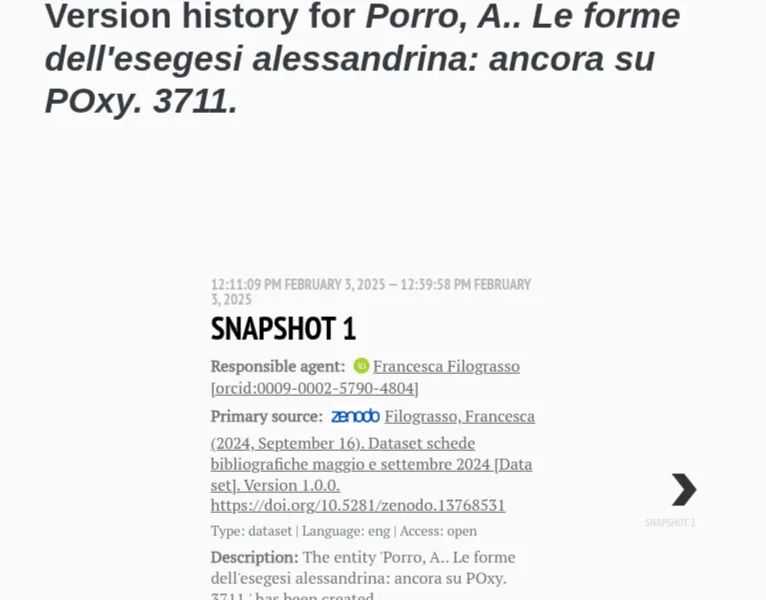
Step 2: Inspect and restore
This will take you to a dedicated page showing the entity exactly as it existed at that point in time. The page displays a complete reconstruction of the resource, including all its metadata and linked entities from that specific snapshot.
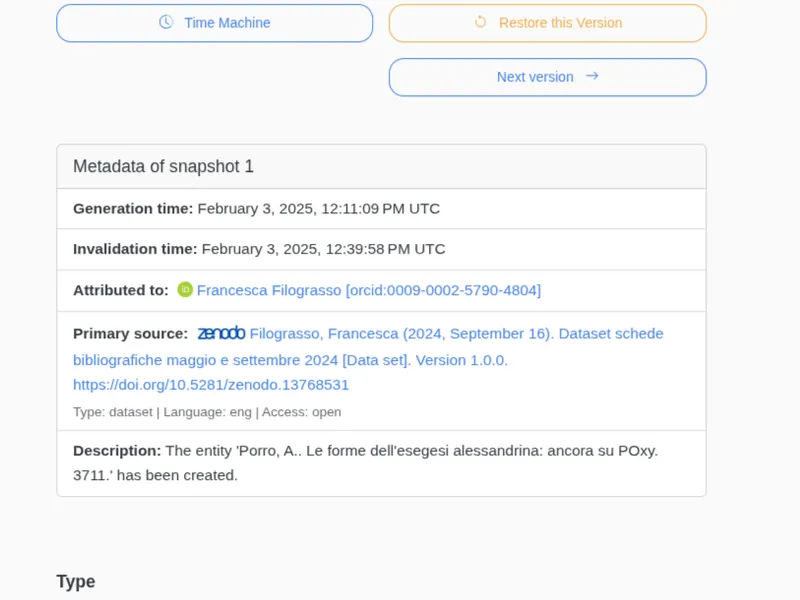
On this page, you can:
- Review the historical state of the entity in detail.
- Click the “Restore this Version” button to revert the entity to this state.
When you restore a version, linked resources are adjusted automatically: changes they received in the same editing operations being undone are reverted as well, while changes they received independently are preserved.
The time vault
Section titled “The time vault”Deleted entities are not permanently removed. They are moved to the time vault, which acts as a recycle bin where you can browse deleted items, review their history, and restore them.